Rocket League System Requirements | Can My PC Run It?
PC requirements availability
The minimum PC specifications are incomplete in our catalogue. Available information is shown below; missing values have not been estimated.
Recorded platforms: Nintendo Switch, Linux, macOS, Xbox One, PC, PlayStation 4
For Rocket League, the following minimum requirement fields still need confirmation: CPU model, GPU model, system RAM with a confirmed unit, available storage, operating system. Check the exact edition and operating system before buying or upgrading hardware.
Report an official requirements source for this edition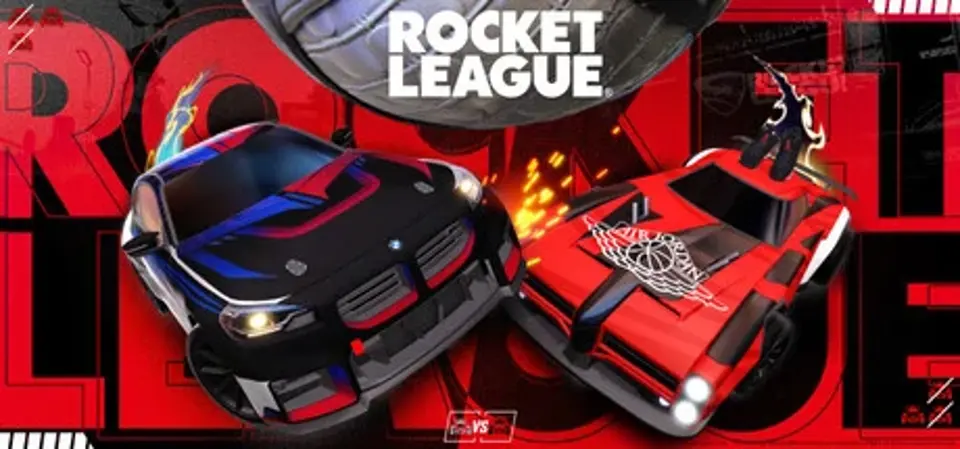
About Rocket League
Highly competitive soccer game with rocket-cars is the most comprehensive way to describe this game. Technically a sequel to Psyonix’ previous game - Supersonic Acrobatic Rocket-Powered Battle-Cars; Rocket League successfully became a standalone sensation, that can be enjoyed by anyone. Easy to learn, hard to master game mechanics are perfect for the tight controls. Players are invited to maneuver the different fields within several game modes, from arcade to ranked game either 1v1, or in 2v2 and 3v3 teams. Using boosters will not only speed up the car but will allow the car to propel itself into the air.
Rocket League provides several levels of customization, where not only the color of your car can be adjusted, but the colors and form of the booster flame, different hats, and little flags. Or players can pick a completely different car. Collaboration with different franchises brought not only original transport but some famous cars, including Batmobile or Delorian from Back to the Future.
Rocket League System Requirements
Minimum
- OS:
- Not confirmed
- CPU:
- Not confirmed
- GPU:
- Not confirmed
- RAM:
- Not verified
- Storage Required:
- Not verified
Recommended
- OS:
- Not confirmed
- CPU:
- Not confirmed
- GPU:
- Not confirmed
- RAM:
- Not verified
Explore games and compare your hardware
Related games
Measure performance with a repeatable test · Check SSD and installation space