Three Dead Zed System Requirements | Can My PC Run It?
PC requirements availability
The minimum PC specifications are incomplete in our catalogue. Available information is shown below; missing values have not been estimated.
Recorded platforms: Linux, PC
For Three Dead Zed, the following minimum requirement fields still need confirmation: CPU model, GPU model, system RAM with a confirmed unit, available storage, operating system. Check the exact edition and operating system before buying or upgrading hardware.
Report an official requirements source for this edition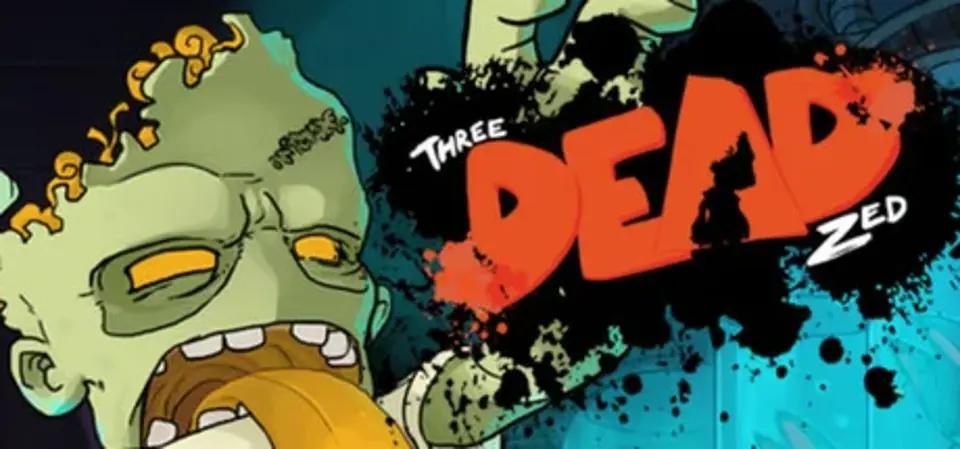
About Three Dead Zed
Three Dead Zed is an action/puzzle-platformer in which you take control of an experimental zombie that can transform into three unique and distinct forms. With quick reflexes, a little problem solving, and some rescued kittens, players make a violent exit that won't be forgotten by their captors. This is a zombie game that brings out your inner child, then chews on its brain.
Features
Note: Linux version does not contain Steam achievements at this time.
Features
- Lighthearted visuals and storyline infectiously brings a smile to your face
- Gamepad and keyboard support with custom keyboard rebinding
- Challenge Stages will test your skills after completing the main game
- Charming hand drawn characters, animations, and effects
- Achievements and trading cards
- Digital art book showing a sample of our creative process
- Cats In tinfoil hats
Note: Linux version does not contain Steam achievements at this time.
Score Not confirmed
Released July 7, 2014
Developer
Publisher
Platforms
LinuxPC
Three Dead Zed System Requirements
Minimum
- OS:
- Not confirmed
- CPU:
- Not confirmed
- GPU:
- Not confirmed
- RAM:
- Not verified
- Storage Required:
- Not verified
Recommended
- OS:
- Not confirmed
- CPU:
- Not confirmed
- GPU:
- Not confirmed
- RAM:
- Not verified
Explore games and compare your hardware
Related games
Measure performance with a repeatable test · Check SSD and installation space