Soccer Clubs System Requirements (2022) | Minimum & Recommended PC Specs
Quick Hardware Summary
Soccer Clubs requires at least a Intel Core i3-6100 CPU, a dedicated GPU, and 4 GB RAM. For recommended settings, aim for Intel Core i5-8400 CPU and high-end GPU.
Can I Run Soccer Clubs?
Enter your PC specs to instantly check compatibility
4 GB
8 GB
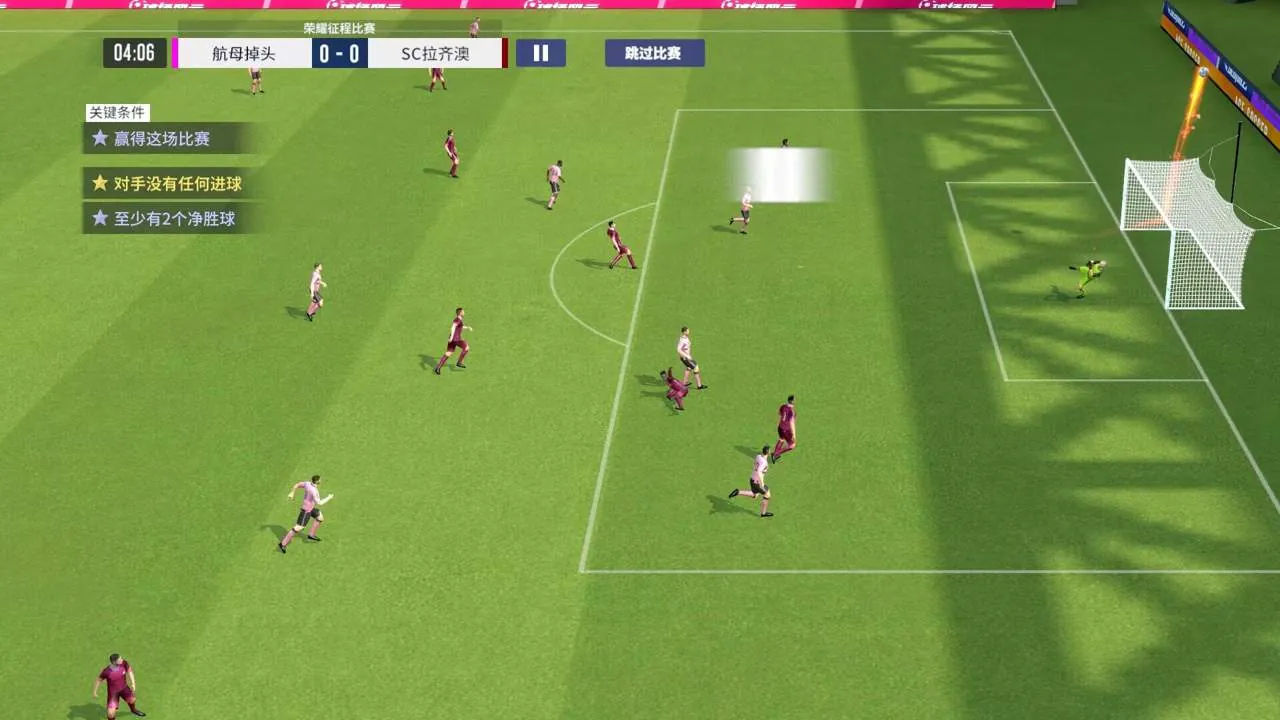
About Soccer Clubs
?Authorized by FIFPro?
More than 60,000 real players' names and portrait rights, covering big-name players in top European leagues such as the Premier League, La Liga, Serie A, Ligue 1, and Eredivisie.
?Create a wealthy family and fight against Qatar?
The "Decisive Battle in Qatar" event is specially launched, allowing players to experience the world's top football matches at their fingertips, collect favorite national teams, build their own wealthy lineup, and fight Qatar.
?Global ranking, real-time battle?
The game has a global championship ranking upgrade method. You can compete with global players in the game, and you can also challenge the world's top giants in the game and get rich rewards.
?Strive for hegemony in the business world, dominate the football field?
Introducing the "National War" gameplay, the president of the league can compete for the position of the president of the three major football associations, engage in fierce city competitions, seize the league championship within a limited time, and reach the top of world football.
?Story mode, become famous with one goal?
The game's original plot gameplay, the story of Chinese teenagers bravely entering the European football world, allows you to experience the transformation from amateur to top in an immersive way, and you can also choose the direction of growth to create an international star who conquers the world.
More than 60,000 real players' names and portrait rights, covering big-name players in top European leagues such as the Premier League, La Liga, Serie A, Ligue 1, and Eredivisie.
?Create a wealthy family and fight against Qatar?
The "Decisive Battle in Qatar" event is specially launched, allowing players to experience the world's top football matches at their fingertips, collect favorite national teams, build their own wealthy lineup, and fight Qatar.
?Global ranking, real-time battle?
The game has a global championship ranking upgrade method. You can compete with global players in the game, and you can also challenge the world's top giants in the game and get rich rewards.
?Strive for hegemony in the business world, dominate the football field?
Introducing the "National War" gameplay, the president of the league can compete for the position of the president of the three major football associations, engage in fierce city competitions, seize the league championship within a limited time, and reach the top of world football.
?Story mode, become famous with one goal?
The game's original plot gameplay, the story of Chinese teenagers bravely entering the European football world, allows you to experience the transformation from amateur to top in an immersive way, and you can also choose the direction of growth to create an international star who conquers the world.
Score N/A
Released 12/19/2022
Genres
Developer
Publisher
Platforms
Soccer Clubs System Requirements
Minimum
- OS:
- -
- CPU:
- Intel Core i3-6100
- GPU:
- Not specified
- RAM:
- 4 GB
- File Size:
- 5 GB
Recommended
- OS:
- -
- CPU:
- Intel Core i5-8400
- GPU:
- Not specified
- RAM:
- 8 GB
Can I run Soccer Clubs on my PC?
To run Soccer Clubs on PC you need at minimum a Intel Core i3-6100 processor, a Not specified graphics card, and 4 GB of RAM running on Windows 10. For the best experience at recommended settings, upgrade to a Intel Core i5-8400 CPU and Not specified GPU.
What GPU do I need to run Soccer Clubs?
The minimum GPU required to run Soccer Clubs is the Not specified. For smooth gameplay at high graphics settings, a Not specified is recommended.
How much RAM does Soccer Clubs require?
Soccer Clubs requires a minimum of 4 GB RAM. For the recommended experience, 8 GB of RAM is suggested.
How to check if your PC can run Soccer Clubs
- Check your CPU: Compare your processor against the minimum requirement: Intel Core i3-6100.
- Check your GPU: Your graphics card should meet or exceed: Not specified.
- Check your RAM: You need at least 4 GB of RAM installed.
- Check storage: Ensure you have at least 5 GB of free disk space.
- Use our tool above: Select your RAM in the "Can I Run It?" box to get an instant result.