Runes of Magic System Requirements | Can My PC Run It?
PC requirements availability
The minimum PC specifications are incomplete in our catalogue. Available information is shown below; missing values have not been estimated.
Recorded platforms: PC
For Runes of Magic, the following minimum requirement fields still need confirmation: CPU model, GPU model, system RAM with a confirmed unit, available storage, operating system. Check the exact edition and operating system before buying or upgrading hardware.
Report an official requirements source for this edition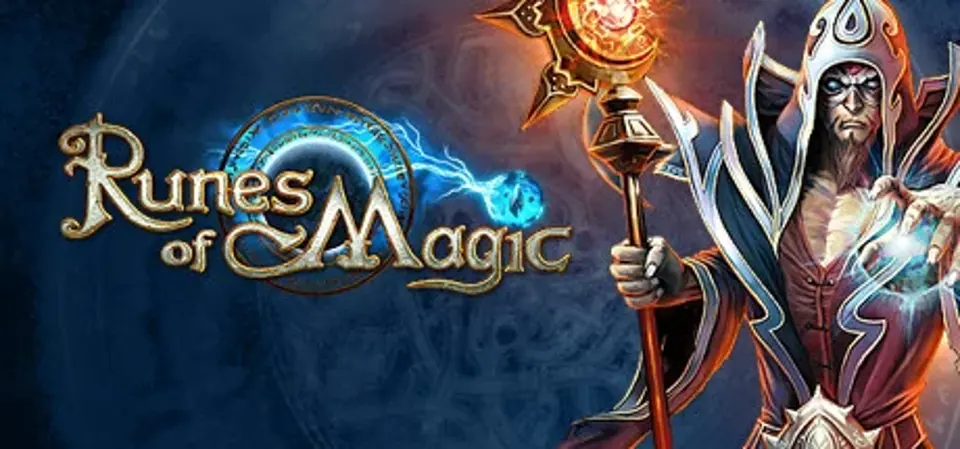
About Runes of Magic
EPIC ADVENTURESUnravel the history of Taborea in over 5,000 exciting quests. Fight against the forces of darkness with your hero and triumph over other players in thrilling siege battles. Unimaginable treasures and magical items beckon in reward.
PERSONALIZED AND MAGICALHumans, elves or dwarves – the choice is yours! Specialize your character with a range of ten different classes which can be combined with one another to unlock special abilities. Upgrade your gear with the most powerful runes and shape your hero to your own personal tastes.
MAKE YOURSELF AT HOMEYou are master of your own four walls! Personalize your home and guild castle and use it to celebrate your victories, or prepare for the next great battle with your friends.MINIGAMES AND MORECountless minigames with great prizes await, both for solo players and guilds! Win races, solve puzzles and much more!
PERSONALIZED AND MAGICALHumans, elves or dwarves – the choice is yours! Specialize your character with a range of ten different classes which can be combined with one another to unlock special abilities. Upgrade your gear with the most powerful runes and shape your hero to your own personal tastes.
MAKE YOURSELF AT HOMEYou are master of your own four walls! Personalize your home and guild castle and use it to celebrate your victories, or prepare for the next great battle with your friends.MINIGAMES AND MORECountless minigames with great prizes await, both for solo players and guilds! Win races, solve puzzles and much more!
Score Not confirmed
Released March 19, 2009
Developer
Publisher
Platforms
PC
Runes of Magic System Requirements
Minimum
- OS:
- Not confirmed
- CPU:
- Not confirmed
- GPU:
- Not confirmed
- RAM:
- Not verified
- Storage Required:
- Not verified
Recommended
- OS:
- Not confirmed
- CPU:
- Not confirmed
- GPU:
- Not confirmed
- RAM:
- Not verified
Explore games and compare your hardware
Related games
Measure performance with a repeatable test · Check SSD and installation space