Redactem System Requirements | Can My PC Run It?
PC requirements availability
The minimum PC specifications are incomplete in our catalogue. Available information is shown below; missing values have not been estimated.
Recorded platforms: PC, macOS
For Redactem, the following minimum requirement fields still need confirmation: CPU model, GPU model, system RAM with a confirmed unit, available storage, operating system. Check the exact edition and operating system before buying or upgrading hardware.
Report an official requirements source for this edition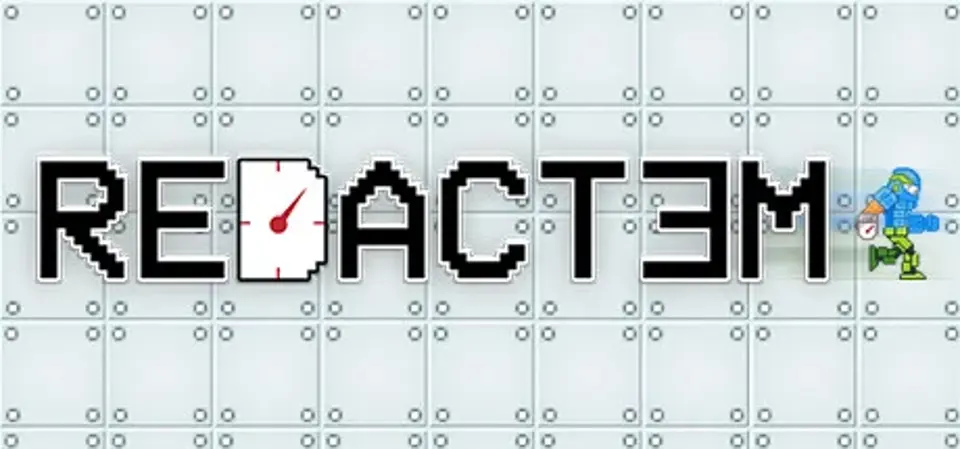
About Redactem
Rewind time and manipulate gravity in order to solve parkour puzzles in this extremely difficult, yet exciting new 2D platformer. With new levels being added for free all the time, the fun never ends. Each level in Redactem incorporates one of the game's many features to create a challenging puzzle that keeps you entertained. The game is addictive, frustrating, and interesting, you will always find yourself coming back to challenge one more level.Redactem has been the number one rated video game on IndieGameStand, a marketplace similar to Steam but primarily for indie games since July 2016.
Score Not confirmed
Released August 1, 2016
Developer
Publisher
Platforms
PCmacOS
Redactem System Requirements
Minimum
- OS:
- Not confirmed
- CPU:
- Not confirmed
- GPU:
- Not confirmed
- RAM:
- Not verified
- Storage Required:
- Not verified
Recommended
- OS:
- Not confirmed
- CPU:
- Not confirmed
- GPU:
- Not confirmed
- RAM:
- Not verified
Explore games and compare your hardware
Related games
Measure performance with a repeatable test · Check SSD and installation space