Realms of Arkania 2 - Star Trail Classic System Requirements | Can My PC Run It?
PC requirements availability
The minimum PC specifications are incomplete in our catalogue. Available information is shown below; missing values have not been estimated.
Recorded platforms: Linux, macOS, PC
For Realms of Arkania 2 - Star Trail Classic, the following minimum requirement fields still need confirmation: CPU model, GPU model, system RAM with a confirmed unit, available storage, operating system. Check the exact edition and operating system before buying or upgrading hardware.
Report an official requirements source for this edition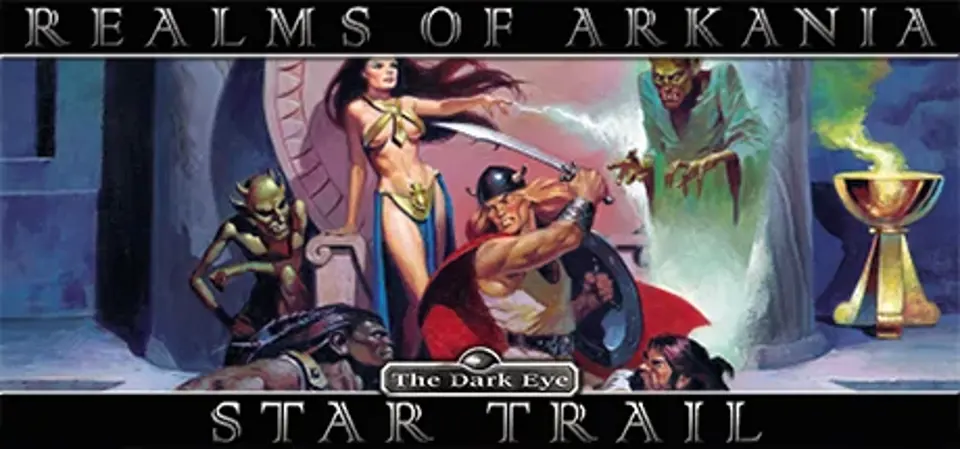
About Realms of Arkania 2 - Star Trail Classic
Star Trail (1994) is the second part of the glorious Realms of Arkania Trilogy...
Can you join together the elves and dwarves in common war against the orc invaders? Star Trail features over 70 spells, 50 skills, over 350 types of items and weapons. A convenient autodiary records your adventure while a sophisticated automap allows for fast travel.
Star Trail was acclaimed best RPG of 1994 by:
Can you join together the elves and dwarves in common war against the orc invaders? Star Trail features over 70 spells, 50 skills, over 350 types of items and weapons. A convenient autodiary records your adventure while a sophisticated automap allows for fast travel.
Star Trail was acclaimed best RPG of 1994 by:
- PC Gamer
- CD Rom Today
- Strategy Plus
Score Not confirmed
Released January 10, 2014
Genres
Developer
Publisher
Platforms
LinuxmacOSPC
Realms of Arkania 2 - Star Trail Classic System Requirements
Minimum
- OS:
- Not confirmed
- CPU:
- Not confirmed
- GPU:
- Not confirmed
- RAM:
- Not verified
- Storage Required:
- Not verified
Recommended
- OS:
- Not confirmed
- CPU:
- Not confirmed
- GPU:
- Not confirmed
- RAM:
- Not verified
Explore games and compare your hardware
Related games
Measure performance with a repeatable test · Check SSD and installation space