Railroad Ink Challenge System Requirements | Can My PC Run It?
PC requirements availability
The minimum PC specifications are incomplete in our catalogue. Available information is shown below; missing values have not been estimated.
Recorded platforms: PC, macOS, iOS
For Railroad Ink Challenge, the following minimum requirement fields still need confirmation: GPU model. Check the exact edition and operating system before buying or upgrading hardware.
Report an official requirements source for this edition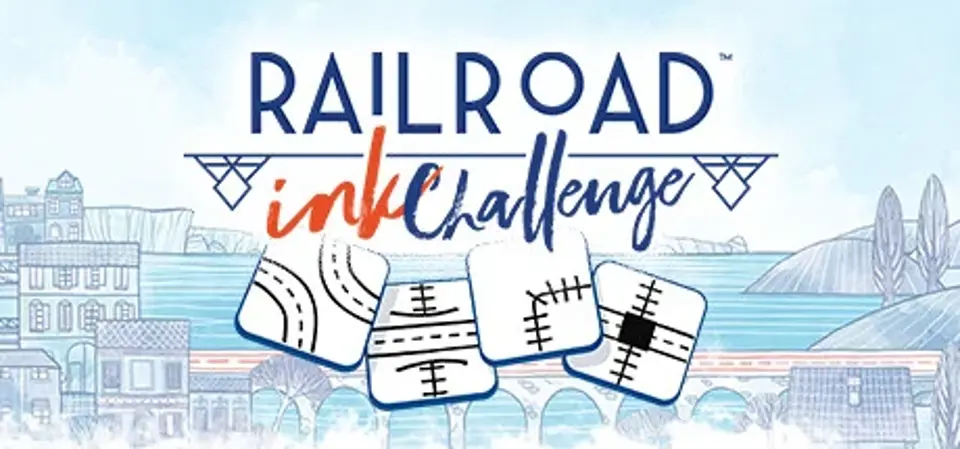
About Railroad Ink Challenge
In Railroad Ink Challenge, you have 7 rounds to make as many points as possible. Roll the dice and draw the routes to connect the exits around your board. Expand your network with railways, highways, and stations to collect points, but you will be penalized for any open connections, so plan carefully! Play solo to improve your best score, or challenge players from all over the world!
Each round you will have to roll the dice and use the available routes to build your transportation network and connect as many exits as possible. Expand your network to collect points. You’ll also score bonus points for your longest highway and railway, for building into the central spaces of your map, and for completing optional, time-dependent goals before they expire.
You can also connect special structures to your network to trigger their special effects, such as duplicating routes, unlocking powerful special routes, and more. But beware: Try to not leave any open connections, as each one will cost you points at the end of the game.
Forest, Desert and more expansions based on the physical board game are planned and will be coming soon as DLC in the months following release! These expansions add special dice and rules to create even more intricate landscapes for your highways and railways.
Play solo with random objectives and join the online rankings or challenge players from all over the world with custom game configurations! The online leaderboards (Daily, Monthly, and All-Time) are completely cross-platform!
Railroad Ink Challenge is the official adaptation of the critically acclaimed roll and write game created by award-winning designers Hjalmar Hach & Lorenzo Silva and illustrated by artist Marta Tranquilli.
HOW TO PLAY
Each round you will have to roll the dice and use the available routes to build your transportation network and connect as many exits as possible. Expand your network to collect points. You’ll also score bonus points for your longest highway and railway, for building into the central spaces of your map, and for completing optional, time-dependent goals before they expire.
You can also connect special structures to your network to trigger their special effects, such as duplicating routes, unlocking powerful special routes, and more. But beware: Try to not leave any open connections, as each one will cost you points at the end of the game.
EXPANSIONS
Forest, Desert and more expansions based on the physical board game are planned and will be coming soon as DLC in the months following release! These expansions add special dice and rules to create even more intricate landscapes for your highways and railways.
MODES
Play solo with random objectives and join the online rankings or challenge players from all over the world with custom game configurations! The online leaderboards (Daily, Monthly, and All-Time) are completely cross-platform!
FEATURES
- The wonderful art of the roll and write game by Marta Tranquilli, fleshed out and digitally enhanced
- Network planning gameplay: try to make the best use of the available routes each round to create the perfect transportation network
- Try to conquer the top of the online leaderboards (Daily, Monthly, and All-Time)!
- Cross-platform, asynchronous multiplayer challenges with your friends!"
100% Asynchronous Multiplayer Challenges
Don’t like to wait while your opponents complete their turn? Fear not! With the 100% asynchronous multiplayer challenges, that is an issue of the past! Play a full game on your own, then post the challenge online! Players from all over the world will be able to play with the same dice and goals you had and try to beat your score! Who’s gonna get the best score?Railroad Ink Challenge is the official adaptation of the critically acclaimed roll and write game created by award-winning designers Hjalmar Hach & Lorenzo Silva and illustrated by artist Marta Tranquilli.
Screenshots

Score Not confirmed
Released June 16, 2021
Genres
Developer
Publisher
Platforms
PCmacOSiOS
Railroad Ink Challenge System Requirements
Minimum
- OS:
- Windows 7
- CPU:
- Intel Dual Core
- GPU:
- Not confirmed
- RAM:
- 1 GB
- Storage Required:
- 500 MB
Recommended
- OS:
- Not confirmed
- CPU:
- Not confirmed
- GPU:
- Not confirmed
- RAM:
- Not verified
Explore games and compare your hardware
Related games
Measure performance with a repeatable test · Check SSD and installation space