Project Winter System Requirements | Can My PC Run It?
PC requirements availability
The minimum PC specifications are incomplete in our catalogue. Available information is shown below; missing values have not been estimated.
Recorded platforms: Xbox One, Xbox Series S/X, PC
For Project Winter, the following minimum requirement fields still need confirmation: CPU model, GPU model, system RAM with a confirmed unit, available storage, operating system. Check the exact edition and operating system before buying or upgrading hardware.
Report an official requirements source for this edition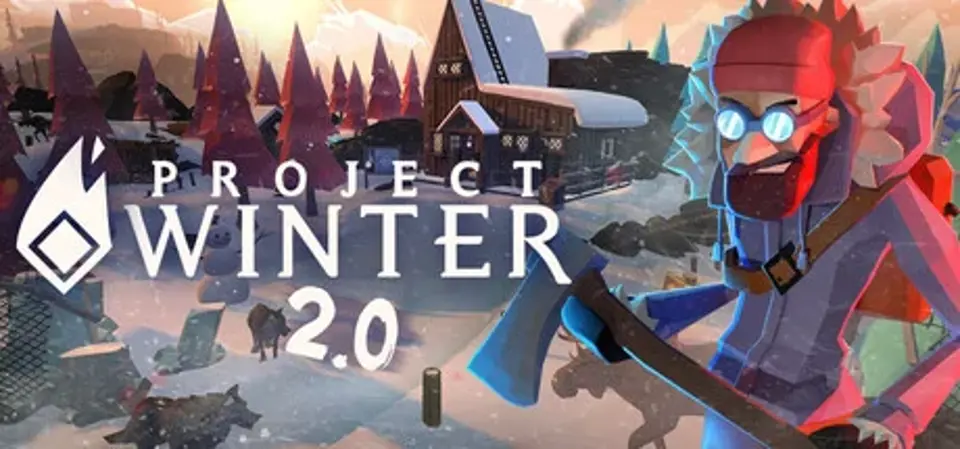
About Project Winter
Survive & Escape in this 8 person multiplayer game of Teamwork & Betrayal.
In the middle of a harsh winter, eight strangers find themselves trapped in a log cabin in the woods. Encounters with wildlife are inevitable, and the ever-present winter elements will make it difficult to survive alone. Teamwork is essential in this game of survival. In the struggle to endure, players are stronger together and weaker apart. Lurking amongst them are those that are capable of deadly deceit and treachery.
Players are randomly assigned into two roles: Survivors and Traitors. Survivors must work together as a team, gathering resources and completing objectives to escape. They must also identify the traitors trying to stop them. Traitors are unknown to survivors and work together to gain the trust of other players, while sabotaging their efforts. Players must keep an eye on health, warmth and hunger, as well as be aware of who they trust.
Your goal is to Survive Amongst Wolves.
Project Winter System Requirements
Minimum
- OS:
- Not confirmed
- CPU:
- Not confirmed
- GPU:
- Not confirmed
- RAM:
- Not verified
- Storage Required:
- Not verified
Recommended
- OS:
- Not confirmed
- CPU:
- Not confirmed
- GPU:
- Not confirmed
- RAM:
- Not verified
Explore games and compare your hardware
Related games
Measure performance with a repeatable test · Check SSD and installation space