Priest Simulator: Heavy Duty System Requirements | Can My PC Run It?
Requirements status: Partial. Catalogue data; source review incomplete
Quick Hardware Summary
Priest Simulator: Heavy Duty requires at least Intel Core i5-6500 / AMD Ryzen 3 1200 CPU, NVIDIA GeForce GTX 1050Ti (or GPU, and 8 GB RAM. For recommended settings, aim for Intel Core i5-8400 / AMD Ryzen 3 2300X CPU and NVIDIA GeForce RTX 2060 (or ) GPU.
About Priest Simulator: Heavy Duty
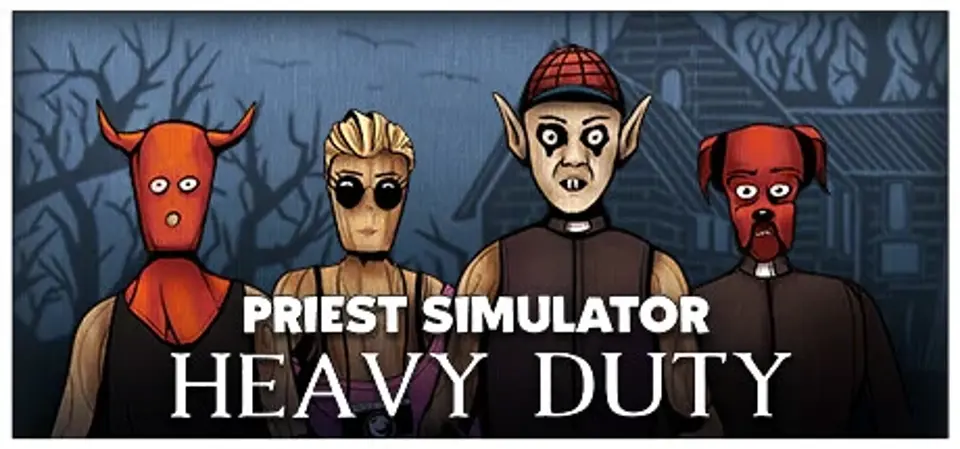
San de Ville, a village haunted by a recent increase in shatanist activity, hosts a chilli-eating contest. Quella, a little-known streamer, decides to document the event and meets the competition's front-runner: Father Orlok.
- Beat shatanists.
- Fight the boss.
- Test your weird weapons.
- Destroy everything (well, almost).
- Wash off shatanic graffiti.
- Collect money from the faithful.
- Drive a strange car.
- Perform an exorcism.
- Consume alcohol.
Screenshots

Additional requirement details
Minimum sound card
DirectX compatible
Score Not confirmed
Released October 18, 2021
Genres
Developer
Publisher
Platforms
PC
Priest Simulator: Heavy Duty System Requirements
Minimum
- OS:
- Windows 7 64-bit
- CPU:
- Intel Core i5-6500 / AMD Ryzen 3 1200
- GPU:
- NVIDIA GeForce GTX 1050Ti (or
- RAM:
- 8 GB
- Storage Required:
- 8 GB
Recommended
- OS:
- Windows 10 64-bit
- CPU:
- Intel Core i5-8400 / AMD Ryzen 3 2300X
- GPU:
- NVIDIA GeForce RTX 2060 (or )
- RAM:
- 16 GB
Explore games and compare your hardware
Hardware listed in these requirements
Related games
Measure performance with a repeatable test · Check SSD and installation space