Please Subscribe System Requirements (2022) | Minimum & Recommended PC Specs
Quick Hardware Summary
Please Subscribe requires at least a capable CPU, a dedicated GPU, and 2 GB RAM. For recommended settings, aim for powerful CPU and high-end GPU.
Can I Run Please Subscribe?
Enter your PC specs to instantly check compatibility
2 GB
4 GB
About Please Subscribe
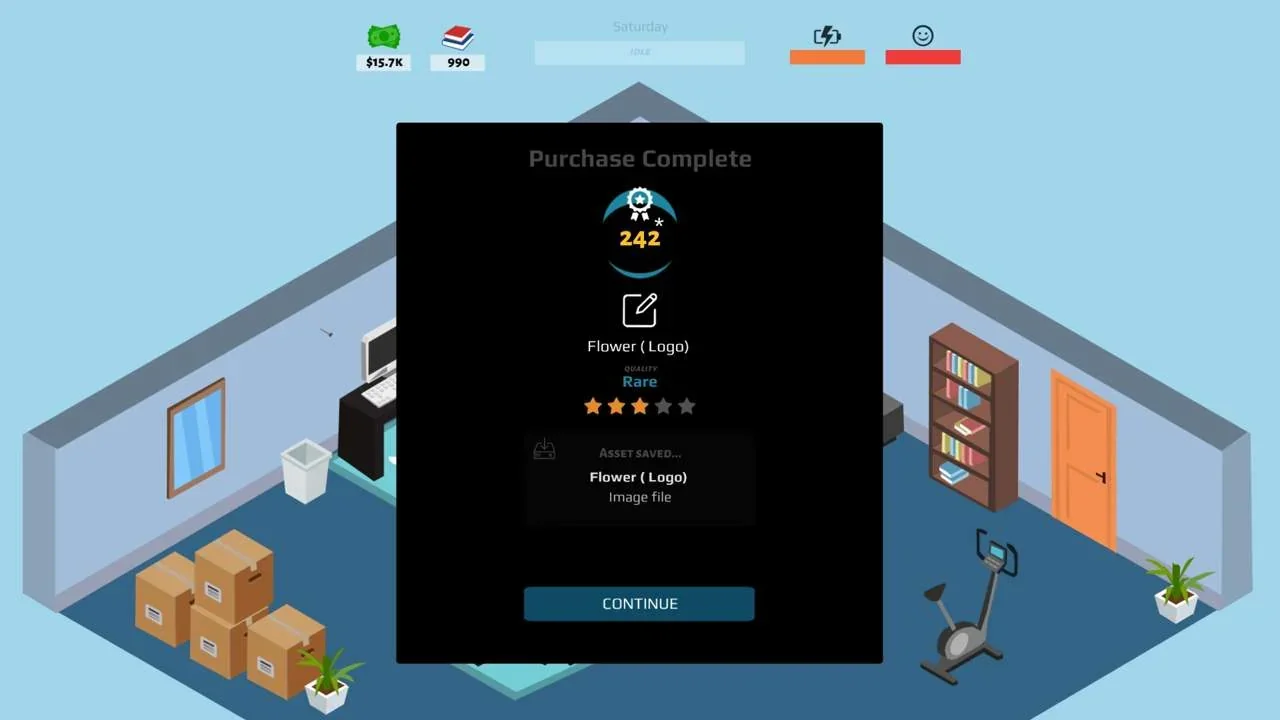
Please Subscribe is the sequel to Gamer Career Tycoon from 2018. Develop your own livestream channel from the ground up. Find popular games to stream or develop your own features to your channel. Who will you be? Play your career and story. Can you become the most famous broadcaster in the world? Be whoever you want with the character system. From a skilled aimer to the charismatic smoothtalker, you can choose from many attributes and perks to develop your own playstyle.
Rise from a small beginner streamer to a worldwide famous influencer or a huge media company. Hire the most legendary video editors, artists, programmers, voice actors, sound artists or music composers. Broadcast your content and influence millions of gamers.
Rise from a small beginner streamer to a worldwide famous influencer or a huge media company. Hire the most legendary video editors, artists, programmers, voice actors, sound artists or music composers. Broadcast your content and influence millions of gamers.
Key Features:
- Create your streamer and develop your own playstyle.
- Broadcast your content and gain worldwide fans.
- Research new options and tools for your channel.
- Learn how to develop your own stream assets.
- Gain new insights in game trends or genre trends to gain hype.
- Increase your relationship status to make deals with platform networks.
- Buy new games, software and hardware in the shop.
- Find work in your local town to earn money on a daily basis
- Build and manage your own media studio and hire professional staff.
Score N/A
Released 2/10/2022
Genres
Developer
Publisher
Platforms
Please Subscribe System Requirements
Minimum
- OS:
- Windows XP
- CPU:
- Not specified
- GPU:
- Not specified
- RAM:
- 2 GB
- File Size:
- 2 GB
Recommended
- OS:
- Windows XP
- CPU:
- Not specified
- GPU:
- Not specified
- RAM:
- 4 GB
Can I run Please Subscribe on my PC?
To run Please Subscribe on PC you need at minimum a Not specified processor, a Not specified graphics card, and 2 GB of RAM running on Windows XP. For the best experience at recommended settings, upgrade to a Not specified CPU and Not specified GPU.
What GPU do I need to run Please Subscribe?
The minimum GPU required to run Please Subscribe is the Not specified. For smooth gameplay at high graphics settings, a Not specified is recommended.
How much RAM does Please Subscribe require?
Please Subscribe requires a minimum of 2 GB RAM. For the recommended experience, 4 GB of RAM is suggested.
How to check if your PC can run Please Subscribe
- Check your CPU: Compare your processor against the minimum requirement: Not specified.
- Check your GPU: Your graphics card should meet or exceed: Not specified.
- Check your RAM: You need at least 2 GB of RAM installed.
- Check storage: Ensure you have at least 2 GB of free disk space.
- Use our tool above: Select your RAM in the "Can I Run It?" box to get an instant result.