Nyctophobia System Requirements | Can My PC Run It?
PC requirements availability
The minimum PC specifications are incomplete in our catalogue. Available information is shown below; missing values have not been estimated.
Recorded platforms: PC, macOS
For Nyctophobia, the following minimum requirement fields still need confirmation: CPU model, GPU model, system RAM with a confirmed unit, available storage, operating system. Check the exact edition and operating system before buying or upgrading hardware.
Report an official requirements source for this edition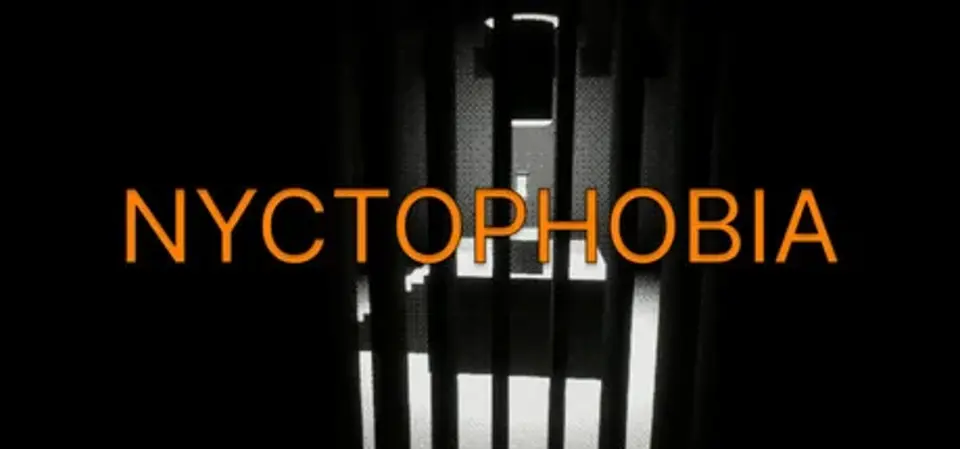
About Nyctophobia
As you make your way through an underground megastructure, you fall into an area with a long-lasting power outage. Your only way forward is to find a path towards the elevator, in the surrounding darkness, which will lead you to a higher level. Hopefully leading out of this place.
Tread the pitch black corridors of the structure, and try to find your way out.
GAMEPLAY
Use various devices at your disposal, to illuminate the darkness.
Use the torch to illuminate your close surroundings
Throw flares to create a mobile source of light
Place beacons to mark your way
Find the elevator and use it to travel from one floor to another.
Solve problems preventing your journey, and continue onwards.
COLLECTIBLES
Some levels contain collectible upgrades for the player characters.
Nyctophobia System Requirements
Minimum
- OS:
- Not confirmed
- CPU:
- Not confirmed
- GPU:
- Not confirmed
- RAM:
- Not verified
- Storage Required:
- Not verified
Recommended
- OS:
- Not confirmed
- CPU:
- Not confirmed
- GPU:
- Not confirmed
- RAM:
- Not verified
Explore games and compare your hardware
Related games
Measure performance with a repeatable test · Check SSD and installation space