Narita Boy System Requirements | Can My PC Run It?
PC requirements availability
The minimum PC specifications are incomplete in our catalogue. Available information is shown below; missing values have not been estimated.
Recorded platforms: macOS, PC, Nintendo Switch, Xbox One, Linux, PlayStation 4
For Narita Boy, the following minimum requirement fields still need confirmation: CPU model, GPU model, system RAM with a confirmed unit, available storage, operating system. Check the exact edition and operating system before buying or upgrading hardware.
Report an official requirements source for this edition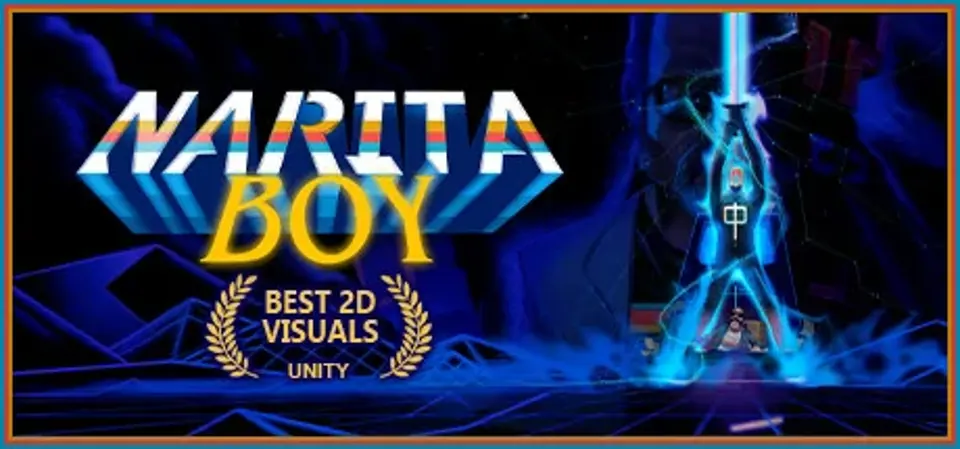
About Narita Boy
Explore and fight in a retro-futuristic world.
Swim deep into a oneiric, poetic and unique experience across dimensional planes.
The aesthetic of the game was inspired
by retro pixel adventures (Castlevania, Another World, Double Dragon)
with a modern touch.
And an 80s plot homage (Ready Player One, He-Man, The Last Starfighter),
accompanied by the retro synth touch of the old glory days.
Narita Boy System Requirements
Minimum
- OS:
- Not confirmed
- CPU:
- Not confirmed
- GPU:
- Not confirmed
- RAM:
- Not verified
- Storage Required:
- Not verified
Recommended
- OS:
- Not confirmed
- CPU:
- Not confirmed
- GPU:
- Not confirmed
- RAM:
- Not verified
Explore games and compare your hardware
Related games
Measure performance with a repeatable test · Check SSD and installation space