Minion Raid: Epic Monsters System Requirements | Can My PC Run It?
PC requirements availability
The minimum PC specifications are incomplete in our catalogue. Available information is shown below; missing values have not been estimated.
Recorded platforms: PC
For Minion Raid: Epic Monsters, the following minimum requirement fields still need confirmation: CPU model, GPU model, system RAM with a confirmed unit, available storage. Check the exact edition and operating system before buying or upgrading hardware.
Report an official requirements source for this edition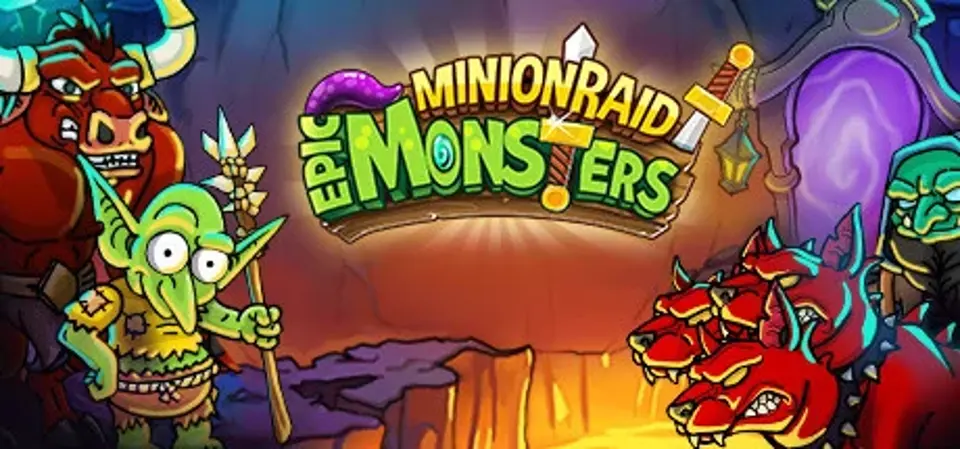
About Minion Raid: Epic Monsters
Experience epic minion adventures as a trainer in the dungeon
You have the power over many little minions - train them to become unbeatable fighting machines and take the scepter in your hands! The monsters of the underworld are looking for a new overlord, but the selection in the dungeon is hard...
To leave the arena victorious, you need well-trained minions with special abilities. They also acquire them through evolution. Your trainer skills also play a role: the better you are as a drill instructor, the more dangerous your troops will be in battle.
Attack is the best defense: Choose a suitable battle strategy!
Depending on the training session and the type of minions, they have different fighting abilities. Some are stronger in attack, some are better in defense. Accordingly, you need a clever battle strategy. Choose the attacking minions for the front lines and the minions with a longer range for the back lines. It's also helpful if you know the strengths and weaknesses of your opponents in the dungeon and choose your battle lineup accordingly.
Before facing the competition in epic battles, you can try out your minion squad in test campaigns.
But if your lineup is suitable, you can also send your minions directly into the arena for the first PvE battle. Let's see how good your training was... There are also tournaments in this idle fighting game - those are fought in PvP mode.
Winning the arena will bring you not only higher prestige, but also gold and a better ranking in the league. If you still don't get enough of battling in the dungeon, then create a guild and work together with other guild members to make fat loot.
Fame, glory and gold make you an overlord
Your mission in this idle fighting game is to seize the power in the dungeon. You'll achieve this by preparing your minions well for battle. As a trainer, you should also advance your own skills. To do this, you'll use the gold you collect through victories in the arena. Idle missions in the tavern also bring you gold. You can use it to upgrade your trainer skills and those of your minions. Afterwards, you fight your way across the dungeon on a map and encounter different enemies. Use your captured resources wisely while training your minions and you'll soon be able to rule over the monsters of the underworld.
You have the power over many little minions - train them to become unbeatable fighting machines and take the scepter in your hands! The monsters of the underworld are looking for a new overlord, but the selection in the dungeon is hard...
To leave the arena victorious, you need well-trained minions with special abilities. They also acquire them through evolution. Your trainer skills also play a role: the better you are as a drill instructor, the more dangerous your troops will be in battle.
Attack is the best defense: Choose a suitable battle strategy!
Depending on the training session and the type of minions, they have different fighting abilities. Some are stronger in attack, some are better in defense. Accordingly, you need a clever battle strategy. Choose the attacking minions for the front lines and the minions with a longer range for the back lines. It's also helpful if you know the strengths and weaknesses of your opponents in the dungeon and choose your battle lineup accordingly.
Before facing the competition in epic battles, you can try out your minion squad in test campaigns.
But if your lineup is suitable, you can also send your minions directly into the arena for the first PvE battle. Let's see how good your training was... There are also tournaments in this idle fighting game - those are fought in PvP mode.
Winning the arena will bring you not only higher prestige, but also gold and a better ranking in the league. If you still don't get enough of battling in the dungeon, then create a guild and work together with other guild members to make fat loot.
Fame, glory and gold make you an overlord
Your mission in this idle fighting game is to seize the power in the dungeon. You'll achieve this by preparing your minions well for battle. As a trainer, you should also advance your own skills. To do this, you'll use the gold you collect through victories in the arena. Idle missions in the tavern also bring you gold. You can use it to upgrade your trainer skills and those of your minions. Afterwards, you fight your way across the dungeon on a map and encounter different enemies. Use your captured resources wisely while training your minions and you'll soon be able to rule over the monsters of the underworld.
Screenshots

Score Not confirmed
Released August 3, 2022
Developer
Publisher
Platforms
PC
Minion Raid: Epic Monsters System Requirements
Minimum
- OS:
- Windows 10
- CPU:
- Not confirmed
- GPU:
- Not confirmed
- RAM:
- Not verified
- Storage Required:
- Not verified
Recommended
- OS:
- Not confirmed
- CPU:
- Not confirmed
- GPU:
- Not confirmed
- RAM:
- Not verified
Explore games and compare your hardware
Related games
Measure performance with a repeatable test · Check SSD and installation space