Little Farm System Requirements | Can My PC Run It?
PC requirements availability
The minimum PC specifications are incomplete in our catalogue. Available information is shown below; missing values have not been estimated.
Recorded platforms: PC
For Little Farm, the following minimum requirement fields still need confirmation: CPU model, GPU model, system RAM with a confirmed unit, available storage, operating system. Check the exact edition and operating system before buying or upgrading hardware.
Report an official requirements source for this edition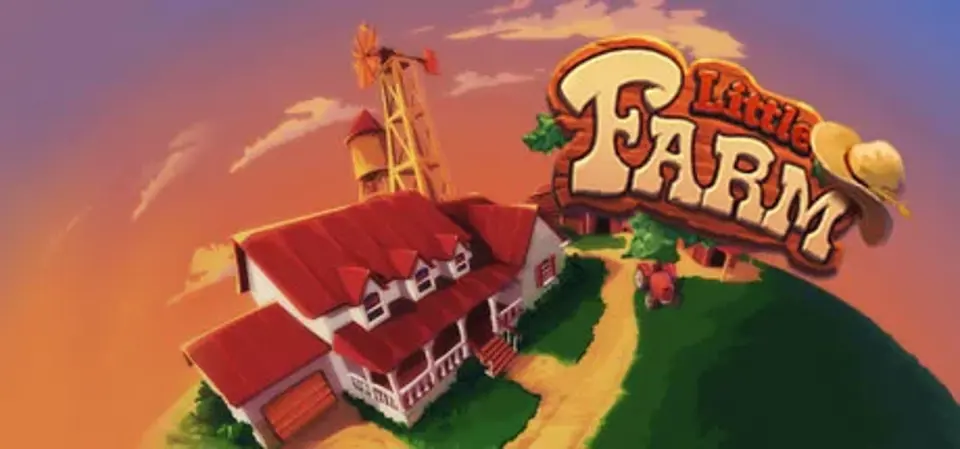
About Little Farm
Have a down-home good time at Little Farm, where you'll use your puzzle-solving and matching skills to help The Normans adjust to farm life and grow truck-loads of vegetables!
The Normans left the city to retreat to Uncle Nate's farm—but this isn't a farm of leisure! Battle insects, animals and weather as you race against the clock to grow your harvest. Match like-colored patches in your farm field to create squares to water and grow plump pumpkins, excellent eggplants and tasty tomatoes! Collect your harvest while fending off the elements of nature and expanding your family farm beyond the gates of Little Farm!
- Rescue, Collect and Wetting Modes offer a garden of variety!
- Find Lost Coins to create your Best Match!
- Make matches quickly to earn Wild patches
- Spend your earnings to invest in new farm equipment
- Expand the family farm across the U.S.!
Little Farm System Requirements
Minimum
- OS:
- Not confirmed
- CPU:
- Not confirmed
- GPU:
- Not confirmed
- RAM:
- Not verified
- Storage Required:
- Not verified
Recommended
- OS:
- Not confirmed
- CPU:
- Not confirmed
- GPU:
- Not confirmed
- RAM:
- Not verified
Explore games and compare your hardware
Related games
Measure performance with a repeatable test · Check SSD and installation space