Let the Cat in System Requirements | Can My PC Run It?
PC requirements availability
The minimum PC specifications are incomplete in our catalogue. Available information is shown below; missing values have not been estimated.
Recorded platforms: PC, macOS
For Let the Cat in, the following minimum requirement fields still need confirmation: CPU model, GPU model, system RAM with a confirmed unit, available storage, operating system. Check the exact edition and operating system before buying or upgrading hardware.
Report an official requirements source for this edition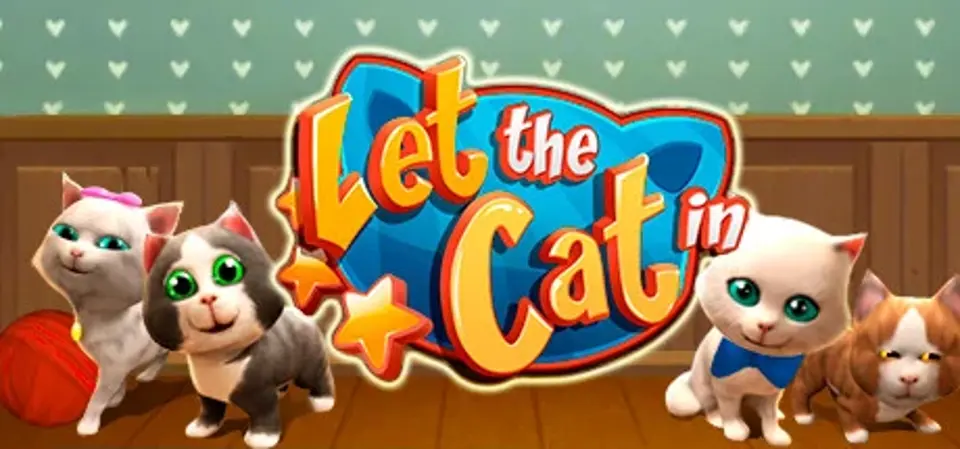
About Let the Cat in
Let The Cat In is the cute puzzle game about little kittens that you need to help get into the house. The player's task is to arrange all the things and mechanisms inside the house for creating fantastic chain reactions, in order to open the door, let kittens come in and reach their favorite basket. Once the aim is reached, they can finally cuddle and fall asleep. Enjoy realy challenging logic levels, collect stars which will help you open the next rooms, play and interract with the cute kittens that will definitely cheer you up. By earning stars in each level you will be able also to pamper your kittens with various cool things and new colors available in the store.
Score Not confirmed
Released August 27, 2015
Developer
Publisher
Platforms
PCmacOS
Let the Cat in System Requirements
Minimum
- OS:
- Not confirmed
- CPU:
- Not confirmed
- GPU:
- Not confirmed
- RAM:
- Not verified
- Storage Required:
- Not verified
Recommended
- OS:
- Not confirmed
- CPU:
- Not confirmed
- GPU:
- Not confirmed
- RAM:
- Not verified
Explore games and compare your hardware
Related games
Measure performance with a repeatable test · Check SSD and installation space