Jar Head Cauldron System Requirements | Can My PC Run It?
PC requirements availability
The minimum PC specifications are incomplete in our catalogue. Available information is shown below; missing values have not been estimated.
Recorded platforms: Not verified
For Jar Head Cauldron, the following minimum requirement fields still need confirmation: CPU model, GPU model, system RAM with a confirmed unit, available storage, operating system. Check the exact edition and operating system before buying or upgrading hardware.
Report an official requirements source for this edition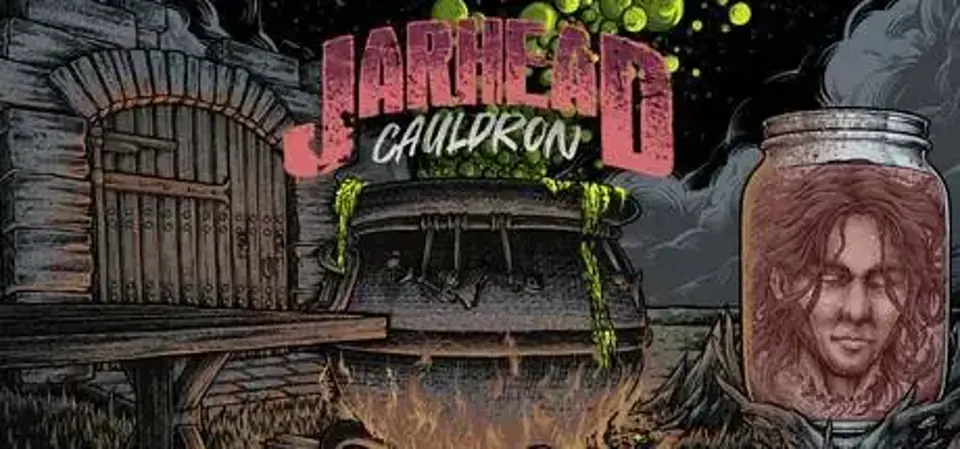
About Jar Head Cauldron
Fight monsters from the other side using magical items and weapons crafted in world in order to succeed. Use “In World Crafting” to upgrade weapons and solve puzzles in order to help save your dismembered brothers and sisters by completing the necromantic ritual before their souls are lost forever.
Score Not confirmed
Released August 4, 2026
Jar Head Cauldron System Requirements
Minimum
- OS:
- Not confirmed
- CPU:
- Not confirmed
- GPU:
- Not confirmed
- RAM:
- Not verified
- Storage Required:
- Not verified
Recommended
- OS:
- Not confirmed
- CPU:
- Not confirmed
- GPU:
- Not confirmed
- RAM:
- Not verified
Explore games and compare your hardware
Measure performance with a repeatable test · Check SSD and installation space