Heat Signature System Requirements | Can My PC Run It?
PC requirements availability
The minimum PC specifications are incomplete in our catalogue. Available information is shown below; missing values have not been estimated.
Recorded platforms: PC
For Heat Signature, the following minimum requirement fields still need confirmation: CPU model, GPU model, system RAM with a confirmed unit, available storage, operating system. Check the exact edition and operating system before buying or upgrading hardware.
Report an official requirements source for this edition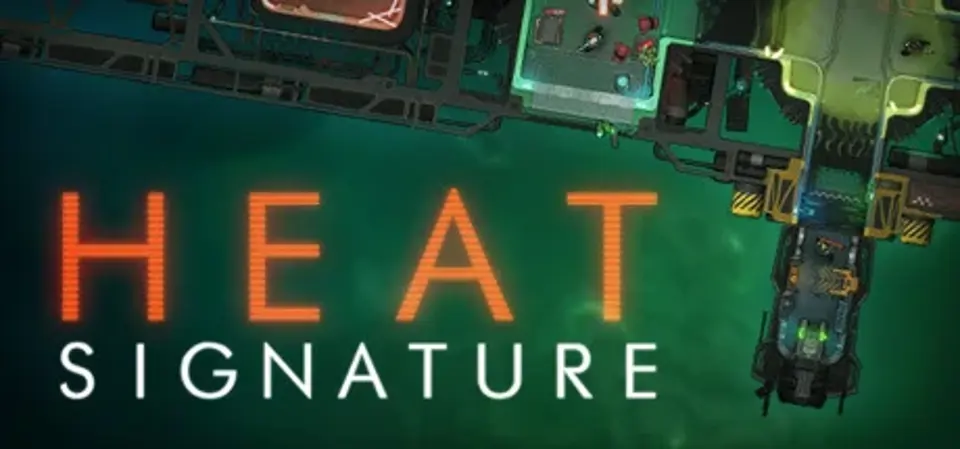
About Heat Signature
Fly around a procedurally generated galaxy in a tiny defenceless ship, cut your thrusters to cruise past heat sensors, dock with an enemy ship's airlock, and sneak inside. Once you're in, you creep through their corridors, ambushing guards, hiding bodies, stealing new weapons, blowing them up from the inside, or hijacking their turrets and even the whole ship.
- Zoom smoothly from a view of the whole galaxy down to your character sneaking up on guards inside the spaceship you're boarding.
- All seamless: the ship you're on continues to fly around the galaxy as you sneak about inside, even as it gets into ship battles.
- Full modular destruction of every spaceship: shoot a fuel barrel to blow up the room and be flung into space by the vacuum. Rip ships in half, destroy secure rooms to form new entrances to dock at.
- Procedurally generated, from the shape of the galaxy, the trade routes between empires, the shape of every ship, and even the layout of the corridors inside.
- Be a bounty hunter, an assassin, a saboteur, or a hijacker. Earn money from your missions to buy better kit. That kind of thing.
- Lovely spacey music.
Score 79
Released September 21, 2017
Genres
Developer
Publisher
Platforms
PC
Heat Signature System Requirements
Minimum
- OS:
- Not confirmed
- CPU:
- Not confirmed
- GPU:
- Not confirmed
- RAM:
- Not verified
- Storage Required:
- Not verified
Recommended
- OS:
- Not confirmed
- CPU:
- Not confirmed
- GPU:
- Not confirmed
- RAM:
- Not verified
Explore games and compare your hardware
Related games
Measure performance with a repeatable test · Check SSD and installation space