Hammerfight System Requirements | Can My PC Run It?
PC requirements availability
The minimum PC specifications are incomplete in our catalogue. Available information is shown below; missing values have not been estimated.
Recorded platforms: PC, macOS, Linux
For Hammerfight, the following minimum requirement fields still need confirmation: CPU model, GPU model, system RAM with a confirmed unit, available storage, operating system. Check the exact edition and operating system before buying or upgrading hardware.
Report an official requirements source for this edition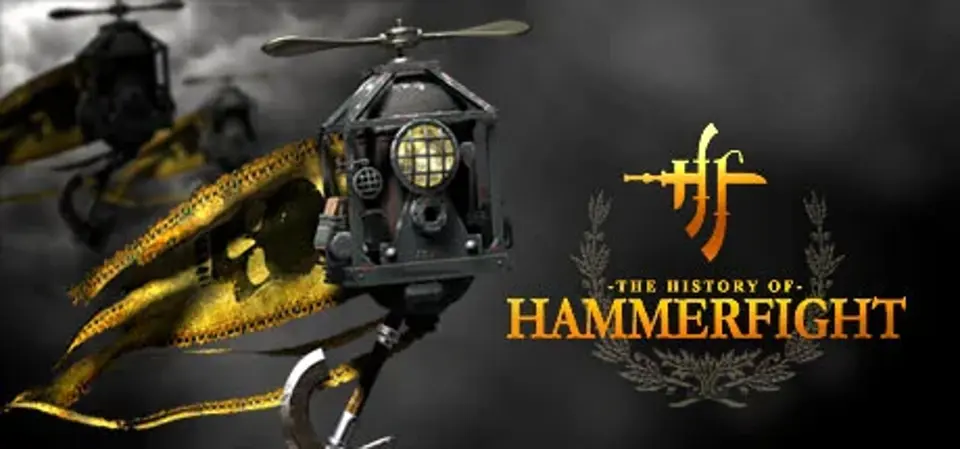
About Hammerfight
Hammerfight is about 2D battles of flying machines equipped with various slashing, piercing and blunt weaponry.A unique combat system is based on realistic physics simulation, and it ties the movements of the rider to the movements of your mouse. As you wave the mouse, your rider swings his warhammer, smashing the foe into the wall!
This creates an unequaled feel of the real strike, a feel of the mass of the weapon in your hands. Simulated physics and direct mouse control creates a huge variety of possible battle techniques and an unlimited field for perfecting one's fighting skill.
Intuitive mouse control
Realistic physics, breakable objects
Great storyline
High quality art
More that 50 weapons
3 additional modes, up to 4 players
Hammerfight System Requirements
Minimum
- OS:
- Not confirmed
- CPU:
- Not confirmed
- GPU:
- Not confirmed
- RAM:
- Not verified
- Storage Required:
- Not verified
Recommended
- OS:
- Not confirmed
- CPU:
- Not confirmed
- GPU:
- Not confirmed
- RAM:
- Not verified
Explore games and compare your hardware
Related games
Measure performance with a repeatable test · Check SSD and installation space