Dreamscapes: The Sandman - Premium Edition System Requirements | Can My PC Run It?
PC requirements availability
The minimum PC specifications are incomplete in our catalogue. Available information is shown below; missing values have not been estimated.
Recorded platforms: PC
For Dreamscapes: The Sandman - Premium Edition, the following minimum requirement fields still need confirmation: CPU model, GPU model, system RAM with a confirmed unit, available storage, operating system. Check the exact edition and operating system before buying or upgrading hardware.
Report an official requirements source for this edition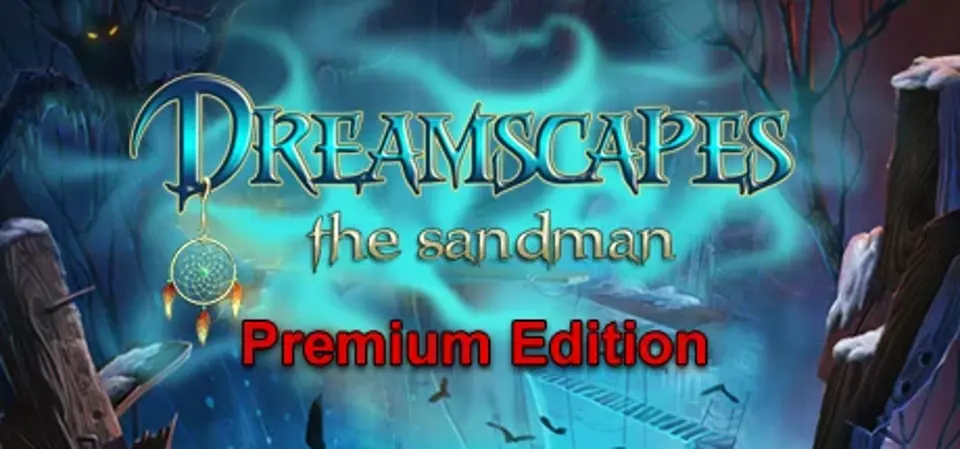
About Dreamscapes: The Sandman - Premium Edition
As a child, father often told Laura that she is special. But Laura's father died before her full age, and Laura didn’t knew what her father had said about her speciality. In memory of her father Laura kept as remembrance an amulet “the Dream catcher” - her father gave it to Laura since she was a little girl, as Laura complained that she has nightmares.
Suddenly her favorite Dream catcher disappears, and Laura falls asleep during her concert. The doctors shrug their shoulders - she fell into a liturgical dream, and in spite of all their efforts she’s not coming back to life. There it was the Professor Sanders offered his services.
We play for an Professor’s Assistant - volunteer, who offered himself to participate in the experiment, and bring Laura back to life.
With help of Professor’s invention - “the Dreams Machine” - the player will have to make the dangerous journey through the subconsciousness of Laura, find her, and try to get to wake up getting to know about the reasons why she fell into a coma.
Destroying Laura’s nightmares one after another, the player realizes that Laura guides him to her, leaving the pages from her diary and tips. Laura becomes stronger with every destroyed nightmare - it is seen by the fact that scary world transformes little by little.
Gradually, the player learns about the Sandman, the Dream Guardians, and the fact that Laura is chosen, the world was waiting her appearance for many years.
Having collected all Dream catcher, Laura plans to destroy the Sandman, and to interrupt the dreaded rite.
Now when Laura got her Dream catcher, the Sandman has no control over her, but he is furious and promises to revenge. And his next victim – Tim – the best friend of Laura. To be continued.Key features:
Suddenly her favorite Dream catcher disappears, and Laura falls asleep during her concert. The doctors shrug their shoulders - she fell into a liturgical dream, and in spite of all their efforts she’s not coming back to life. There it was the Professor Sanders offered his services.
We play for an Professor’s Assistant - volunteer, who offered himself to participate in the experiment, and bring Laura back to life.
With help of Professor’s invention - “the Dreams Machine” - the player will have to make the dangerous journey through the subconsciousness of Laura, find her, and try to get to wake up getting to know about the reasons why she fell into a coma.
Destroying Laura’s nightmares one after another, the player realizes that Laura guides him to her, leaving the pages from her diary and tips. Laura becomes stronger with every destroyed nightmare - it is seen by the fact that scary world transformes little by little.
Gradually, the player learns about the Sandman, the Dream Guardians, and the fact that Laura is chosen, the world was waiting her appearance for many years.
Having collected all Dream catcher, Laura plans to destroy the Sandman, and to interrupt the dreaded rite.
Now when Laura got her Dream catcher, the Sandman has no control over her, but he is furious and promises to revenge. And his next victim – Tim – the best friend of Laura. To be continued.Key features:
- Original game world
- An intriguing plot
- 50 game locations
- 16 mini-games
- More than 50 3D movies and cutscenes
- Unique meta-game on the beholders’ search (Hidden Object’s variation mechanics)
- Meta-game on Dream catcher’s search (puzzle)
- Meta-game on diary pages’ search with gaming events’ background
- 2 game modes (normal and advanced)
- Achievements’ System
Score Not confirmed
Released April 16, 2014
Genres
Developer
Publisher
Platforms
PC
Dreamscapes: The Sandman - Premium Edition System Requirements
Minimum
- OS:
- Not confirmed
- CPU:
- Not confirmed
- GPU:
- Not confirmed
- RAM:
- Not verified
- Storage Required:
- Not verified
Recommended
- OS:
- Not confirmed
- CPU:
- Not confirmed
- GPU:
- Not confirmed
- RAM:
- Not verified
Explore games and compare your hardware
Related games
Measure performance with a repeatable test · Check SSD and installation space