Death Goat System Requirements | Can My PC Run It?
PC requirements availability
The minimum PC specifications are incomplete in our catalogue. Available information is shown below; missing values have not been estimated.
Recorded platforms: macOS, PC
For Death Goat, the following minimum requirement fields still need confirmation: CPU model, GPU model, system RAM with a confirmed unit, available storage, operating system. Check the exact edition and operating system before buying or upgrading hardware.
Report an official requirements source for this edition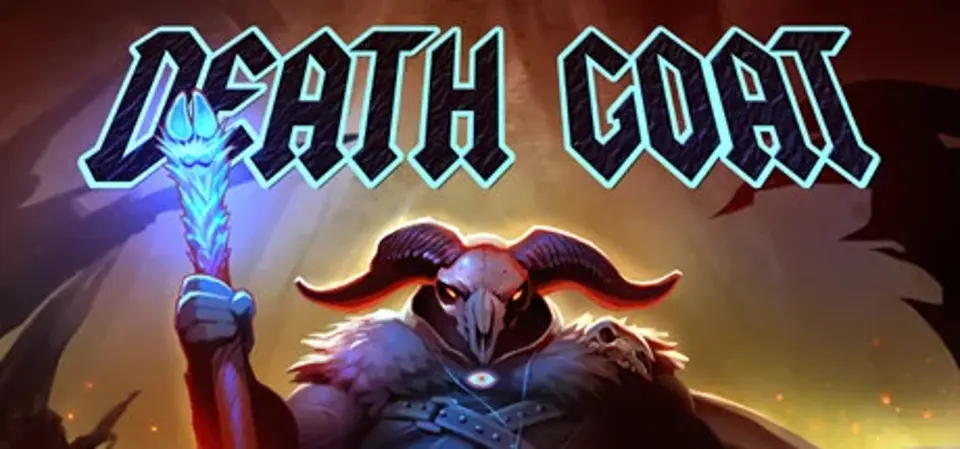
About Death Goat
Death Goat is a bloody arcade shooter featuring hordes of brutal enemies & eardrum destroying Heavy Metal.
Zone out, sharpen your arcade twitch skills and decimate demons to a metal soundtrack featuring killer songs from:
Zone out, sharpen your arcade twitch skills and decimate demons to a metal soundtrack featuring killer songs from:
- Between The Buried And Me
- Byzantine
- Holy Grail
- God Forbid
- Bloodshot Dawn
- I Legion
- Tyrant of Death
- The Raven Autarchy
- Dethlehem
- Warforged
- Konkeror
- Lorelei
- Vanisher
- Immortal Guardian
- Aegaeon
- Brutai
- Kardashev
- Dawn Of Leviathan
- Extinction Level Event
- Mare Cognitum
- NYN
Score Not confirmed
Released June 7, 2016
Developer
Publisher
Platforms
macOSPC
Death Goat System Requirements
Minimum
- OS:
- Not confirmed
- CPU:
- Not confirmed
- GPU:
- Not confirmed
- RAM:
- Not verified
- Storage Required:
- Not verified
Recommended
- OS:
- Not confirmed
- CPU:
- Not confirmed
- GPU:
- Not confirmed
- RAM:
- Not verified
Explore games and compare your hardware
Related games
Measure performance with a repeatable test · Check SSD and installation space