Dead Matter System Requirements | Can My PC Run It?
PC requirements availability
The minimum PC specifications are incomplete in our catalogue. Available information is shown below; missing values have not been estimated.
Recorded platforms: PC, Linux, macOS
For Dead Matter, the following minimum requirement fields still need confirmation: CPU model, GPU model, system RAM with a confirmed unit, available storage, operating system. Check the exact edition and operating system before buying or upgrading hardware.
Report an official requirements source for this edition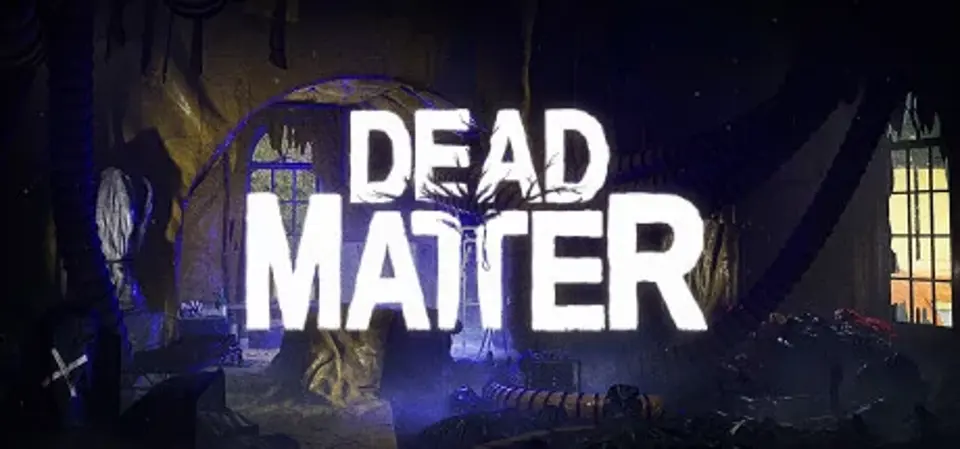
About Dead Matter
Dead Matter is the definitive zombie survival game. Players must fight to survive in a zombie packed, post-apocalyptic world that fosters whichever playstyle fits you best. Settle down and defend your home from outside threats with an expansive crafting and barricading system, cultivate and live off the land or branch out, explore, and scavenge whatever vehicles, weapons, and food you may find in a zombie-plagued Calgary - alone, or with your friends
Dead Matter System Requirements
Minimum
- OS:
- Not confirmed
- CPU:
- Not confirmed
- GPU:
- Not confirmed
- RAM:
- Not verified
- Storage Required:
- Not verified
Recommended
- OS:
- Not confirmed
- CPU:
- Not confirmed
- GPU:
- Not confirmed
- RAM:
- Not verified
Explore games and compare your hardware
Related games
Measure performance with a repeatable test · Check SSD and installation space