ARCADE GAME SERIES: GALAGA System Requirements (2016) | Minimum & Recommended PC Specs
PC requirements availability
The minimum PC specifications are incomplete in our catalogue. Available information is shown below; missing values have not been estimated.
Recorded platforms: Xbox One, PlayStation 4, PC
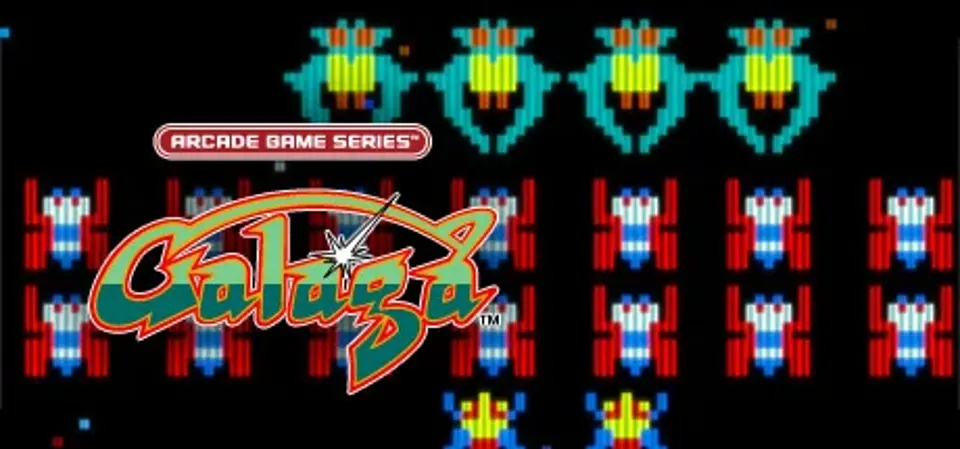
About ARCADE GAME SERIES: GALAGA
First appearing in arcades in 1981, the masterpiece GALAGA finally comes to Steam!
Move the fighter left and right, and destroy the waves of incoming aliens in this space-age shooter.
Destroy all the enemies to advance to the next stage!
Retrieve a captured fighter and combine into a Dual Fighter!
Try your hand at Challenging Stages that appear after every few levels, and aim for a perfect score!
With multiple enemy formations, the high-risk, high-reward of the Dual Fighter, and the Challenging Stages, there's plenty here for even the most hardcore players!
This latest port comes with scanline and sound settings, and the option to switch between the old and new versions - perfect for true fans of the game.
Experience the shining star of 80's arcades for yourself!
Move the fighter left and right, and destroy the waves of incoming aliens in this space-age shooter.
Destroy all the enemies to advance to the next stage!
Retrieve a captured fighter and combine into a Dual Fighter!
Try your hand at Challenging Stages that appear after every few levels, and aim for a perfect score!
With multiple enemy formations, the high-risk, high-reward of the Dual Fighter, and the Challenging Stages, there's plenty here for even the most hardcore players!
This latest port comes with scanline and sound settings, and the option to switch between the old and new versions - perfect for true fans of the game.
Experience the shining star of 80's arcades for yourself!
Score N/A
Released 4/19/2016
Genres
Publisher
Platforms
ARCADE GAME SERIES: GALAGA System Requirements
Minimum
- OS:
- -
- CPU:
- Not specified
- GPU:
- Not specified
- RAM:
- Not verified
- File Size:
- Not verified
Recommended
- OS:
- -
- CPU:
- Not specified
- GPU:
- Not specified
- RAM:
- Not verified